12 Best AI Note-Taking App Options for 2025 (Full Review)
Feeling overwhelmed by scattered notes, lost links, and disorganized research? You’re not alone.
#Getting Started
Feeling overwhelmed by scattered notes, lost links, and disorganized research? You’re not alone. The constant influx of information from meetings, articles, and social media makes it nearly impossible to keep everything in a coherent, accessible system. Traditional note-taking methods often fail here, creating digital graveyards of information that are difficult to search and impossible to connect. This is the exact problem an AI note-taking app is designed to solve. These powerful tools don’t just store your information; they help you understand, organize, and rediscover it with intelligent features.
This guide moves beyond surface-level lists to provide a comprehensive analysis of the top AI-powered platforms available today. We’ll dissect each tool’s core strengths, practical limitations, and ideal use cases, helping you identify the perfect fit for your specific needs. You’ll learn how tools like Notion AI automate summaries, how Otter.ai transcribes meetings, and how platforms like Reseek create a centralized, searchable knowledge base for all your digital content-from text and links to social media posts. By the end of this article, you will have a clear, actionable path to choosing and implementing an AI note-taking app that transforms your scattered data into a powerful, unified knowledge asset.
#1. Notion AI
Notion has evolved from a versatile workspace into a powerhouse ai note-taking app by integrating its AI capabilities directly into its connected environment. Where it truly excels is not just in generating text, but in its contextual awareness within your existing notes and databases. Imagine drafting a project proposal and asking Notion AI to instantly generate a table of potential risks based on your meeting notes stored on another page. This interconnectedness makes it a formidable tool for those already invested in the Notion ecosystem.
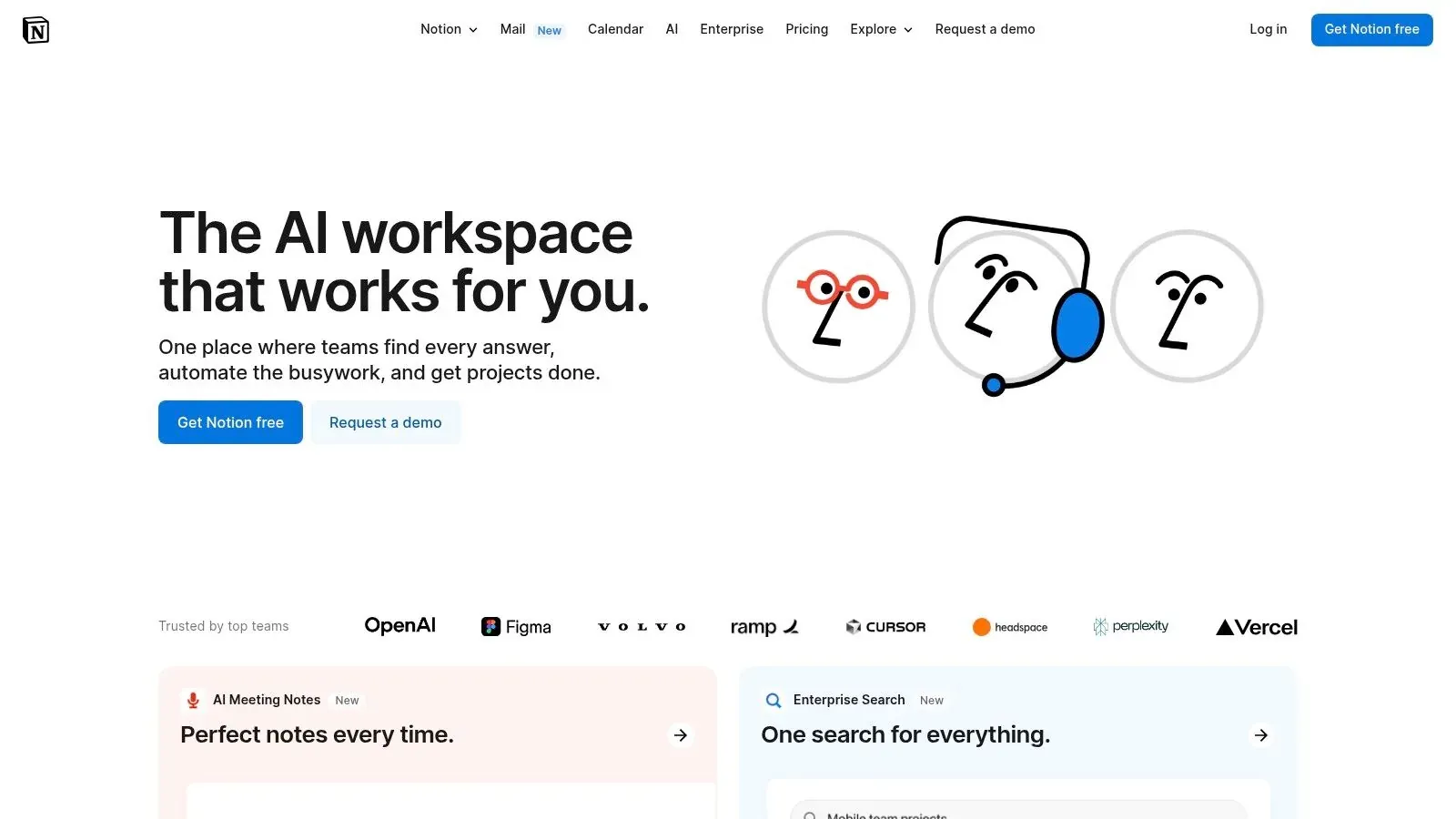
The AI’s ability to summarize, translate, and reformat text on the fly significantly speeds up workflows for content creators and project managers. However, its power is also its main hurdle: the learning curve can be steep for newcomers. While Notion offers immense customizability, the AI features come at an additional cost of $8-$10 per member per month, on top of any paid Notion plan. For users focused more on retrieving information from a diverse collection of saved content-like articles, images, or social posts-a specialized tool like Reseek might be a better fit. Reseek’s AI-powered semantic search excels at finding the exact piece of knowledge you’ve saved, regardless of format.
Website: https://www.notion.so/
#2. Mem
Mem markets itself as a self-organizing workspace, and it truly delivers on this promise by acting as a ‘second brain’. As an ai note-taking app, its core strength is its ability to automatically connect and surface relevant notes without any manual tagging or folder management. You simply capture your thoughts, meeting notes, or ideas, and Mem’s AI intelligently builds a web of connections in the background. This is ideal for users who prioritize effortless capture and rediscovery over complex formatting, allowing information to resurface exactly when it’s contextually relevant.
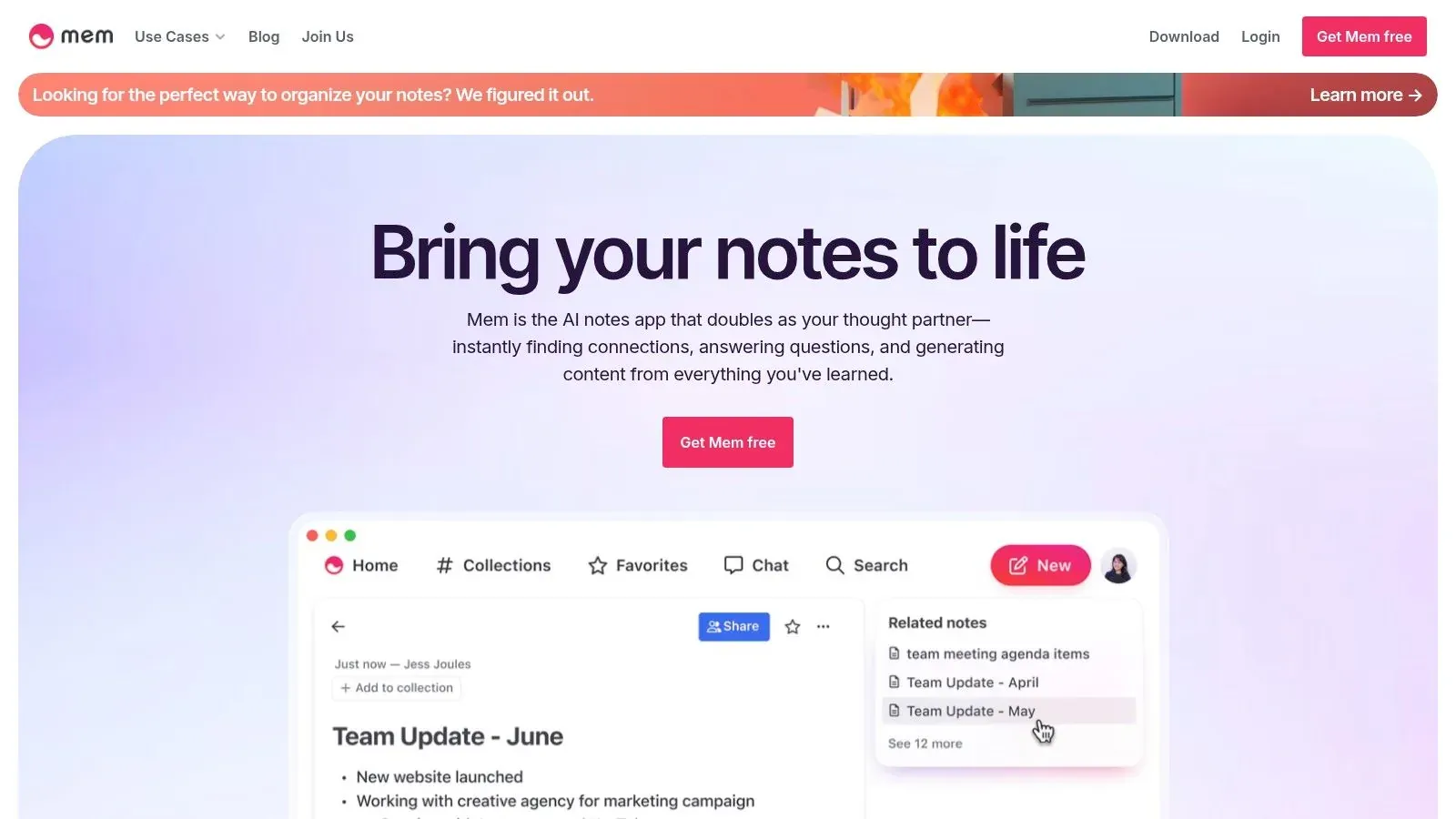
The minimalist interface is a double-edged sword; it’s incredibly fast and intuitive but lacks the advanced formatting options found in other tools. This makes it one of the top productivity apps for students and professionals who value speed over customization. While Mem excels at organizing internal text-based notes, users who need to manage a mix of external content-like articles, images, and social posts-may find Reseek more suitable. Reseek allows you to save any type of digital content and uses its AI-powered semantic search to help you find it later, effectively organizing your entire digital life, not just your notes.
Website: https://get.mem.ai/
#3. Evernote
Evernote, a veteran in the digital organization space, has integrated AI to enhance its classic note-taking formula. It leverages artificial intelligence primarily to supercharge its search and organizational capabilities, making it a powerful ai note-taking app for users with vast archives. The AI-powered search digs deeper than keywords, understanding context to surface relevant notes, while AI-suggested tags help automate the tedious process of categorization. This makes it ideal for long-term projects or personal knowledge management where information accumulates over years.
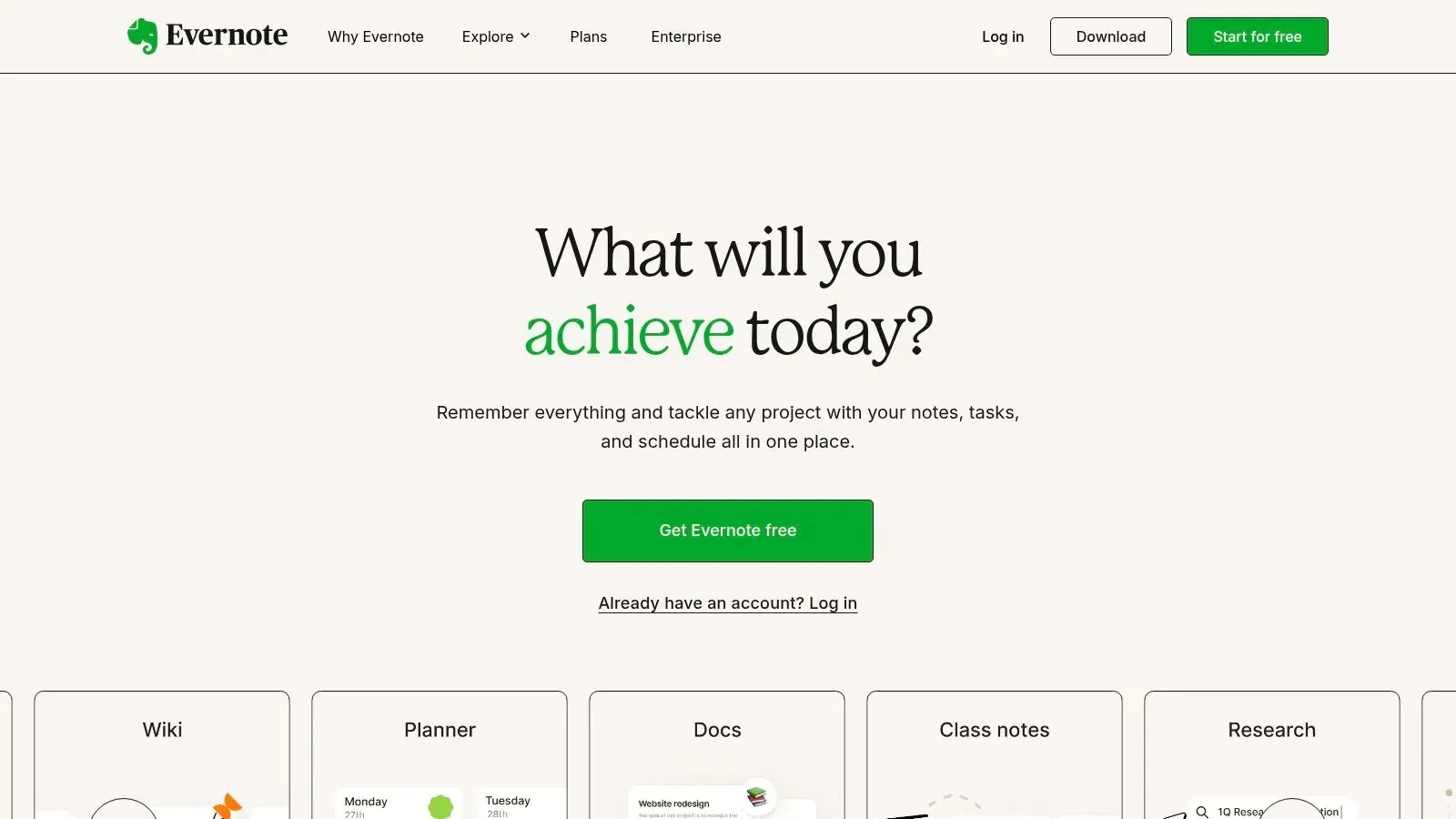
While Evernote excels at structuring information you create directly within its ecosystem, its AI doesn’t focus on generative tasks. Its strengths are its robust web clipper, document scanning, and reliable cross-device sync. The free plan is quite restrictive, pushing serious users toward paid plans which can feel costly. For individuals whose primary need is to find specific information saved from diverse sources like web articles, images, or even social media posts, a tool like Reseek offers a more specialized solution. Reseek uses its AI-driven semantic search to let you find the exact piece of saved knowledge, turning your collection of digital content into a searchable, intelligent database.
Website: https://evernote.com/
#4. Microsoft OneNote with Copilot
For users deeply embedded in the Microsoft ecosystem, OneNote’s integration with Copilot transforms a familiar tool into a potent ai note-taking app. Its strength lies in its seamless connection to other Microsoft 365 applications, creating a cohesive workflow. You can, for instance, ask Copilot to summarize a long Word document directly into a OneNote page or generate a to-do list from action items discussed in a Teams meeting. This level of native integration makes it an obvious choice for corporate environments and individuals reliant on Office Suite for their daily tasks.
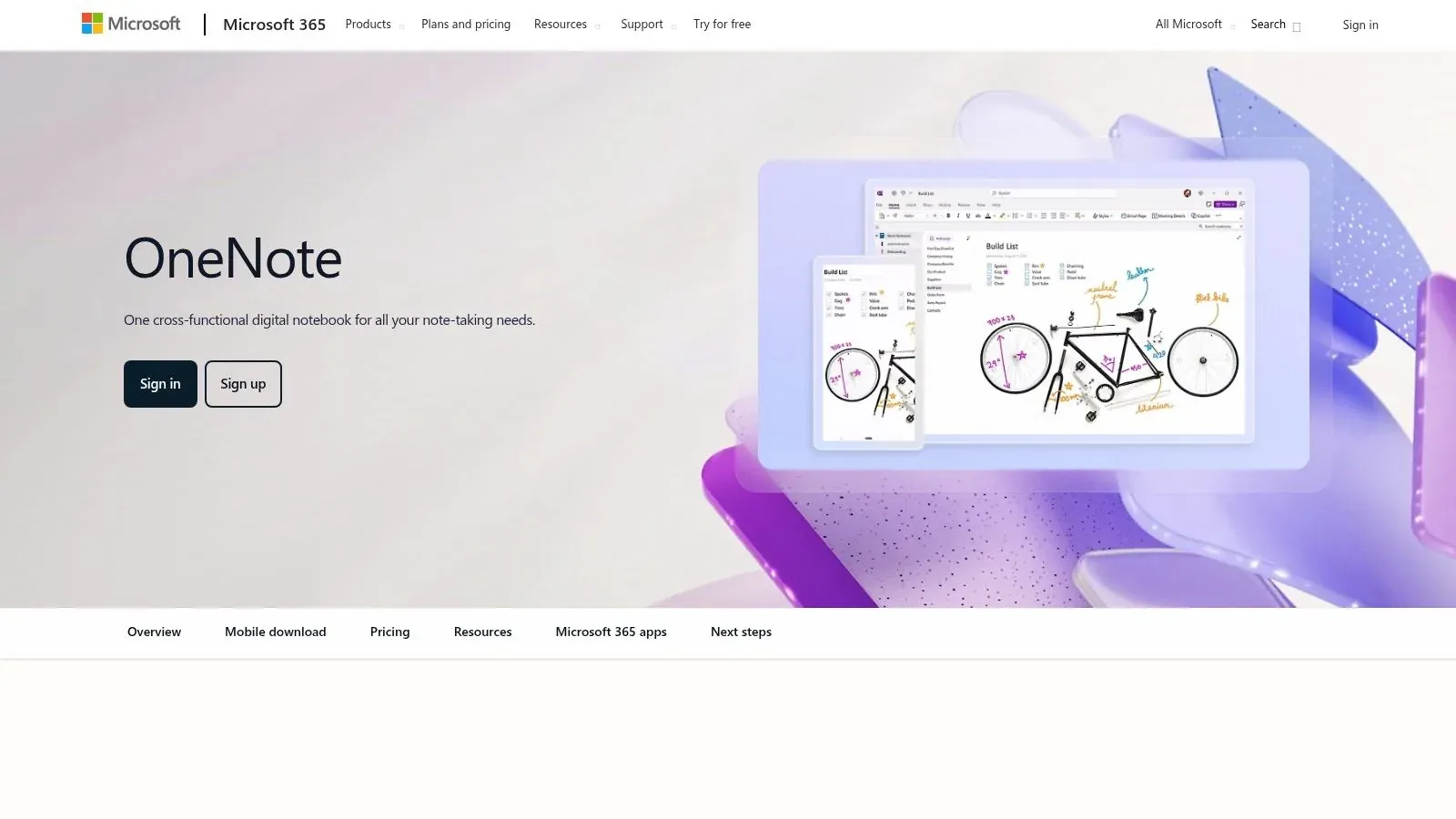
The AI features, like content generation and summarization, are powerful for structuring notes and drafting content. However, the experience can feel less focused on pure knowledge retrieval. For those who save a wide array of content like links, images, and social media posts, organizing and finding specific information later can be challenging. A tool like Reseek complements this by acting as a central, searchable repository. You can add notes and diverse content to Reseek, where its vector database and semantic search make rediscovering that exact piece of information incredibly intuitive, regardless of its original format. While basic OneNote is free, accessing Copilot requires a Microsoft 365 subscription, a significant consideration for individual users.
Website: https://www.microsoft.com/en-us/microsoft-365/onenote/digital-note-taking-app
#5. Reflect
Reflect positions itself as a networked thought tool, blending a minimalist design with powerful backlinking and AI features. This ai note-taking app is engineered for those who practice personal knowledge management and daily journaling, offering a distraction-free environment to connect ideas. Its core strength lies in its simplicity and speed, making it easy to create daily notes, link them to meetings from your integrated calendar, and build a web of interconnected thoughts. The AI assistant can then be used to summarize these linked notes, brainstorm ideas, or rephrase content, acting as a creative partner within your private knowledge base.
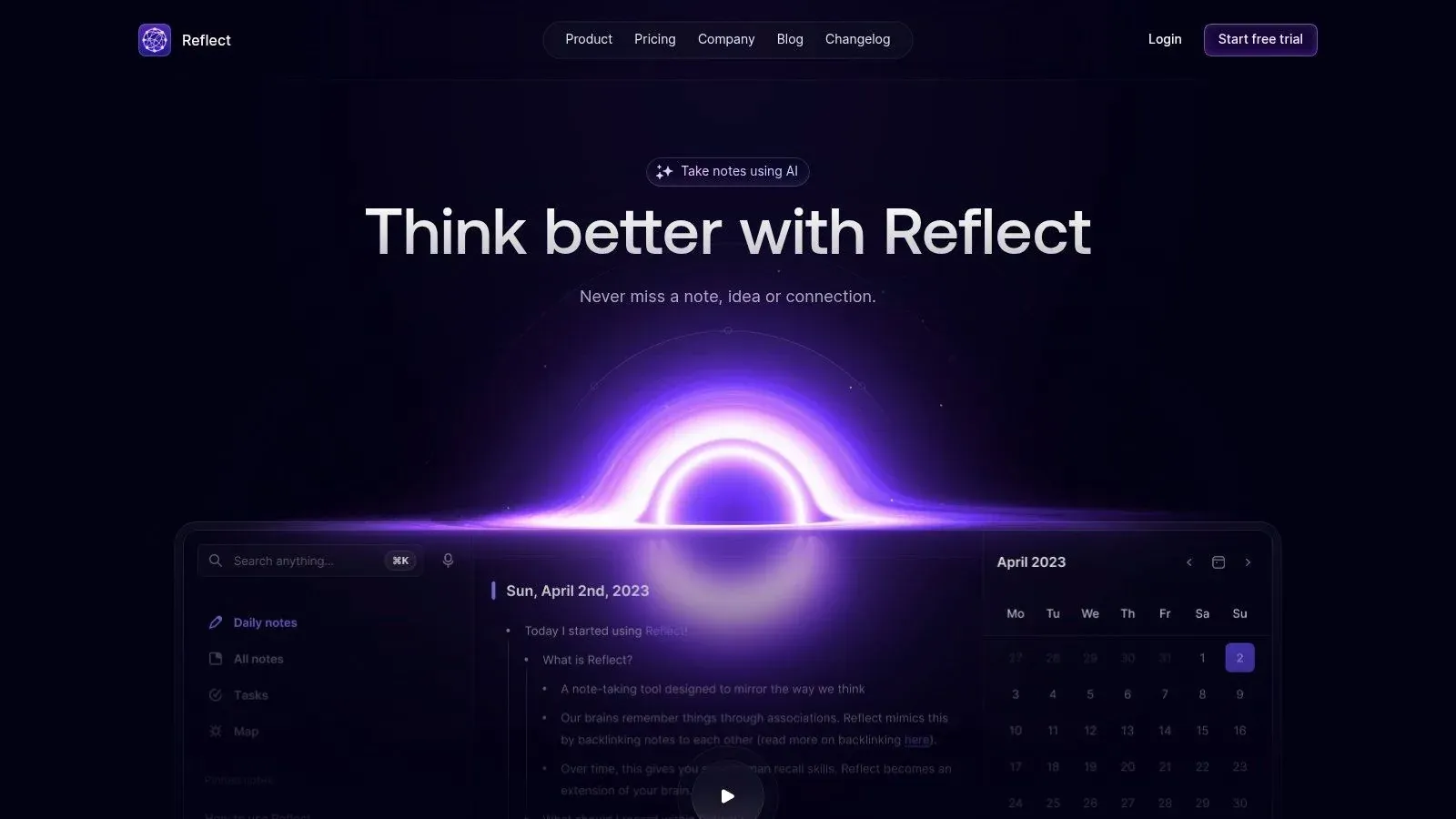
With end-to-end encryption, Reflect prioritizes privacy, a significant draw for users handling sensitive information. However, its minimalist approach means fewer formatting options, and the absence of an Android app limits its accessibility. The premium price point of $10 per month (billed annually) makes it a considered investment. While excellent for text-based notes and journaling, users who need to manage a wider variety of content like images and social media posts may find it limiting. For those cases, a tool like Reseek offers a more robust solution by allowing you to save and semantically search across all your digital content, from articles to social posts, creating a more comprehensive external brain. You can learn more about effective knowledge management practices to enhance your workflow.
Website: https://reflect.app/
#6. Otter.ai
Otter.ai carves out a specific niche as a premier ai note-taking app by focusing almost exclusively on transcribing voice conversations. It excels at converting meetings, lectures, and interviews into accurate, searchable text in real-time. The platform’s strength lies in its ability to identify different speakers and generate a “smart summary” with an outline, action items, and key takeaways, making it indispensable for professionals who need to capture every detail without manual note-taking. The direct integrations with Zoom, Google Meet, and Microsoft Teams mean your meeting notes are practically automated.
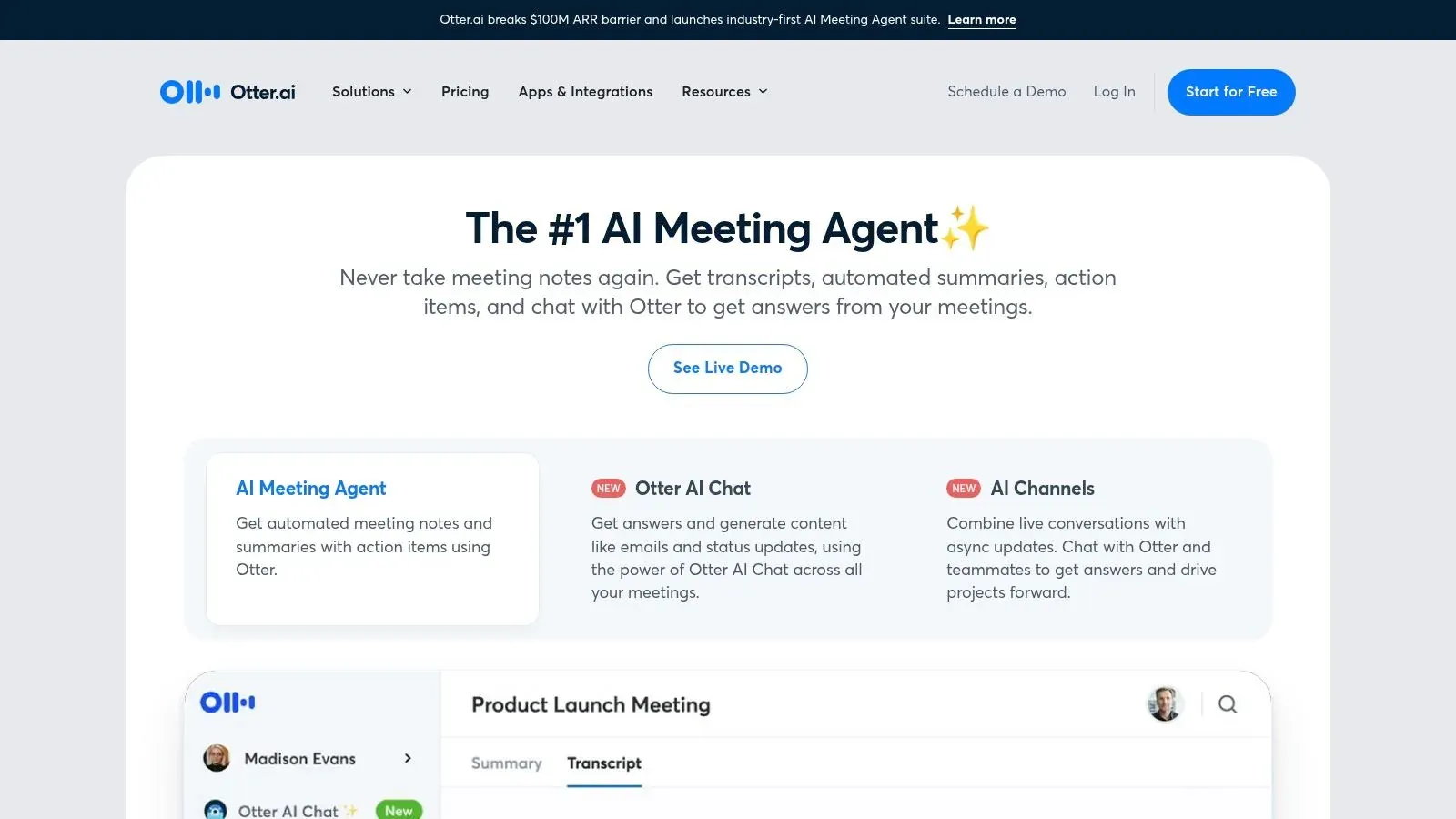
While Otter is a champion for live transcription, its purpose is highly specialized. For users who need to manage a broader range of digital content beyond just meeting transcripts, a more versatile solution is necessary. For example, if you want to save those Otter notes alongside articles, images, and social media posts, you would need another tool. This is where Reseek comes in; you can add your transcribed notes to Reseek’s vector database, allowing you to use its powerful AI-driven semantic search to find that specific piece of information later, right alongside all your other saved knowledge. The main drawback to Otter is its limited free plan and reported issues with customer support for some users.
Website: https://otter.ai/
#7. ClickUp
ClickUp positions itself as an all-in-one productivity suite where its ai note-taking app capabilities are deeply integrated into a much larger project management ecosystem. Its standout feature, the AI Notetaker, is designed for teams who live in meetings. It automatically transcribes discussions, generates concise summaries, and, most importantly, extracts actionable tasks. This turns passive meeting minutes into active project to-dos within the same platform, bridging the gap between conversation and execution.
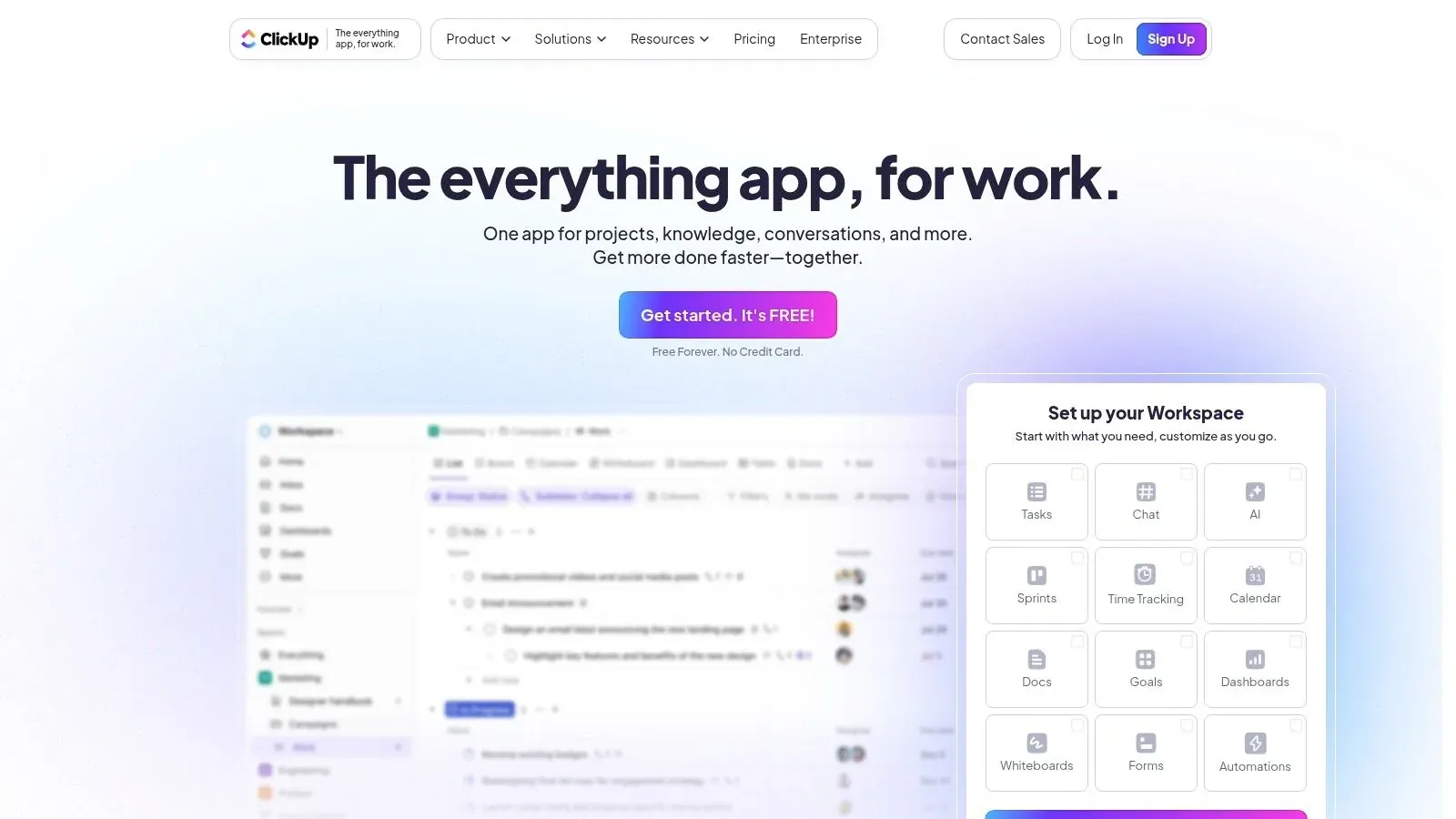
The primary strength of ClickUp is its sheer breadth of features, from task dependencies to customizable workflows, making it a favorite for complex team projects. However, this comprehensiveness can be overwhelming for individuals or small teams just seeking a straightforward note-taking solution. While ClickUp is excellent for managing structured project data, if your goal is to build a personal knowledge base from varied sources like articles, images, and social posts, a tool like Reseek offers a more specialized approach. Reseek excels at saving diverse content and uses AI-powered semantic search to help you find the exact piece of information you need from your personal library, regardless of its original format.
Website: https://clickup.com/
#8. Fireflies.ai
Fireflies.ai carves out its niche as a specialized ai note-taking app focused exclusively on meetings. Instead of a general-purpose notebook, it acts as an automated assistant that joins your calls on platforms like Zoom, Google Meet, and Microsoft Teams. Its primary function is to transcribe conversations in real-time, freeing up participants to engage fully rather than frantically typing notes. The real magic happens after the meeting, when its AI processes the transcript to generate concise summaries, identify action items, and highlight key topics. This transforms a one-hour call into a searchable, shareable asset.
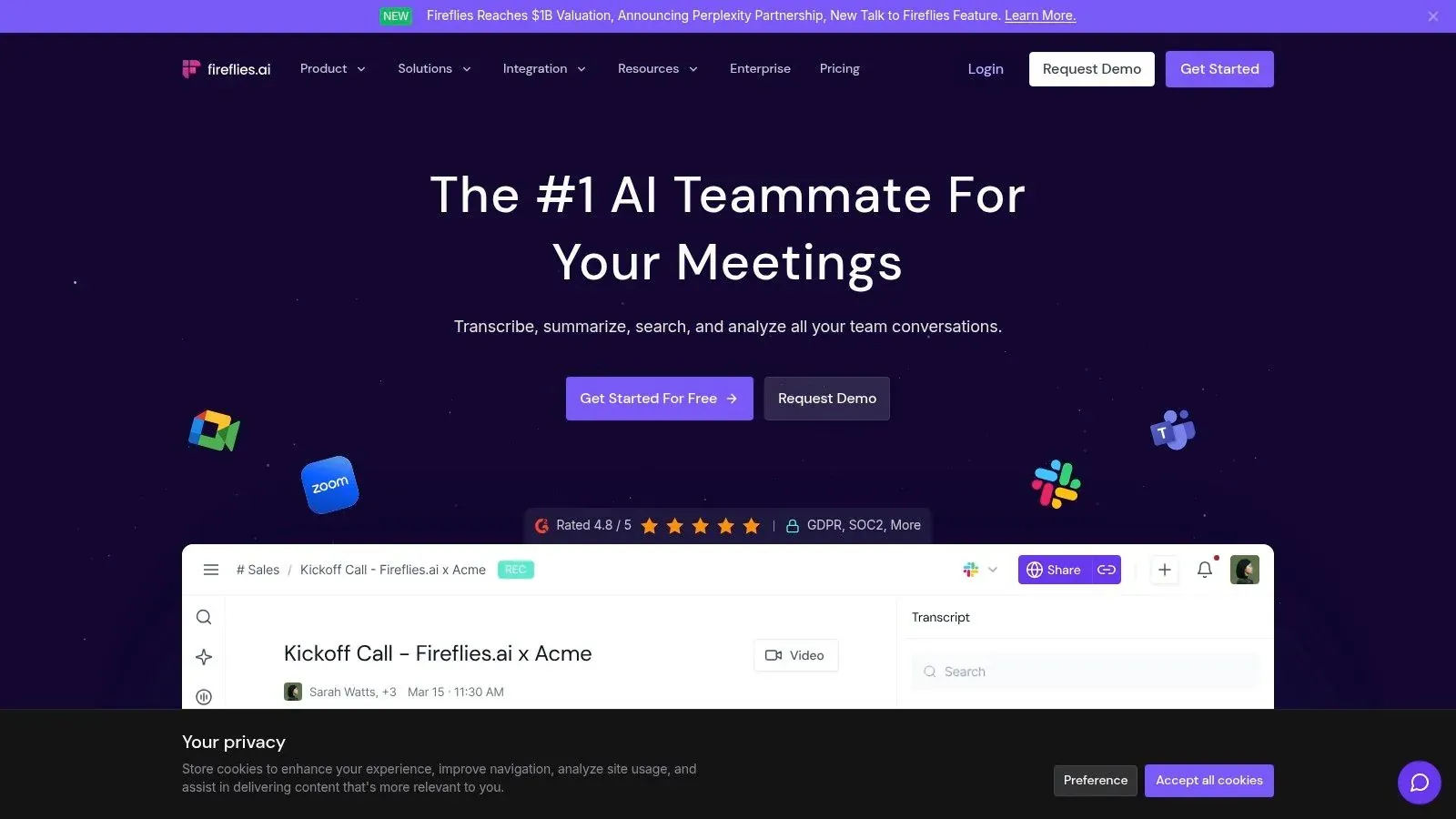
This tool is a game-changer for teams that rely on video conferencing, ensuring no detail is lost and accountability is clear. However, its focus is narrow; it’s not designed for personal brainstorming or organizing diverse content. Transcription accuracy can also vary depending on audio quality and accents. While Fireflies excels at capturing meeting data, if your goal is to integrate those meeting notes with a wider collection of saved articles, images, and research, a tool like Reseek offers a more holistic solution. With Reseek, you can add your meeting summaries to its vector database, making them instantly discoverable alongside all your other saved knowledge through powerful AI search.
Website: https://fireflies.ai/
#9. Roam Research
Roam Research pioneered the concept of networked thought in the digital space, making it a unique contender as an ai note-taking app. Its foundation is built on bi-directional linking, which allows every note or idea to become a node in an interconnected web of knowledge. Instead of organizing information in rigid folders, Roam encourages users to create connections organically as they write. This non-linear approach is powerful for researchers, writers, and thinkers who want to uncover hidden relationships between disparate pieces of information and build a true “second brain.”
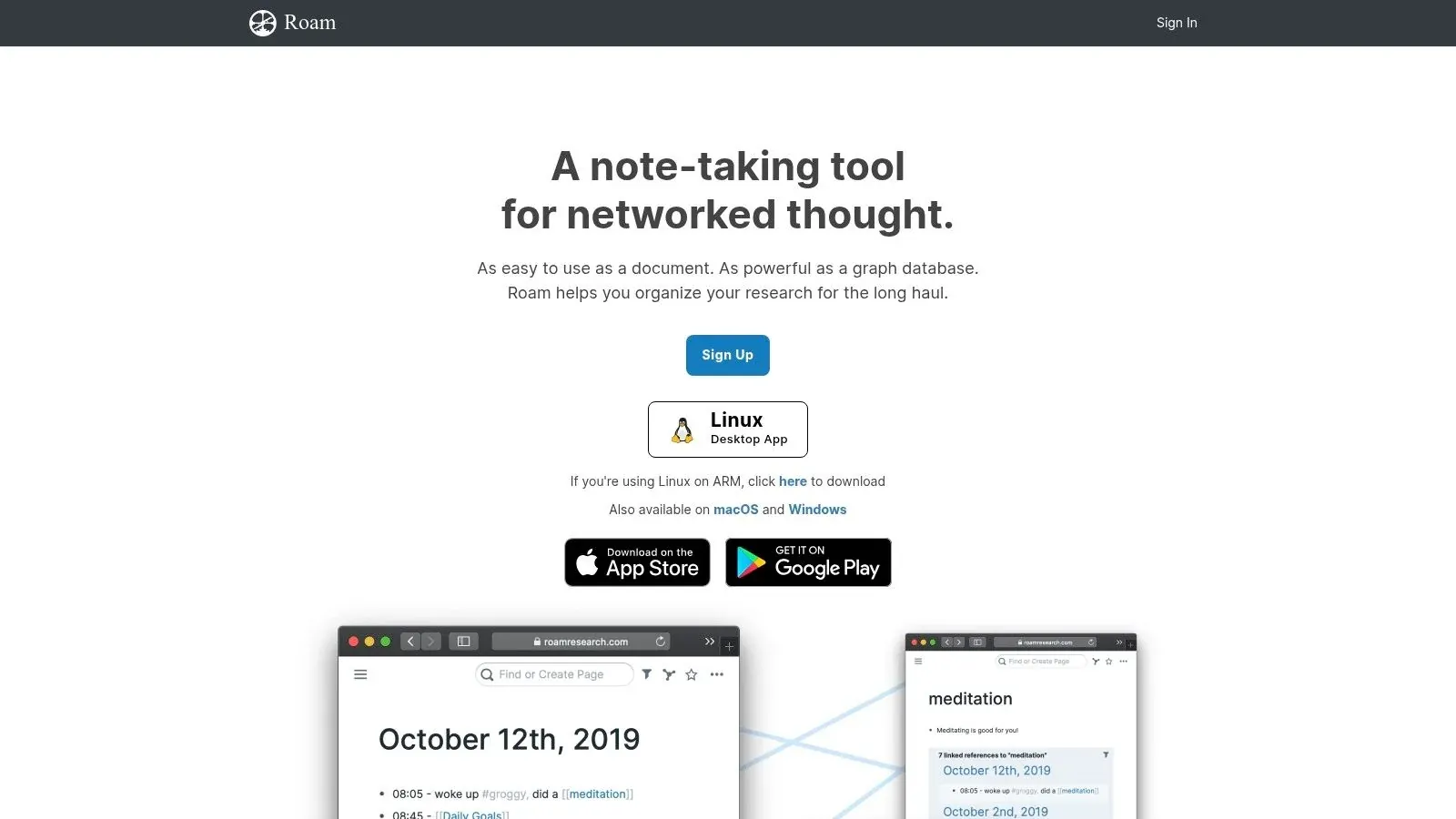
The graph visualization feature is where Roam’s power becomes tangible, showing a visual map of how your thoughts connect. This is invaluable for deep knowledge work but presents a steep learning curve for those accustomed to traditional note-taking. The cost, around $15 per month, is also a significant consideration. For users whose primary goal is not building a complex web of notes but rather finding saved information like articles and social posts, Roam’s structure can feel excessive. Tools like Reseek offer a more direct solution; you can save notes or any content, and its semantic search will find it based on meaning, simplifying the retrieval process.
Website: https://roamresearch.com/
#10. Obsidian
Obsidian positions itself less as a simple app and more as a lifelong, private knowledge base. Operating entirely on local Markdown files, it brings AI-assisted organization to your desktop with a strong emphasis on user control and privacy. Its core strength lies in helping you build a “second brain” by creating and visualizing connections between notes. Community plugins can introduce AI features, like suggesting links between related concepts or summarizing text, turning your scattered thoughts into an interconnected web of knowledge. This makes it a top-tier choice for researchers, writers, and thinkers who prioritize longevity and data ownership.
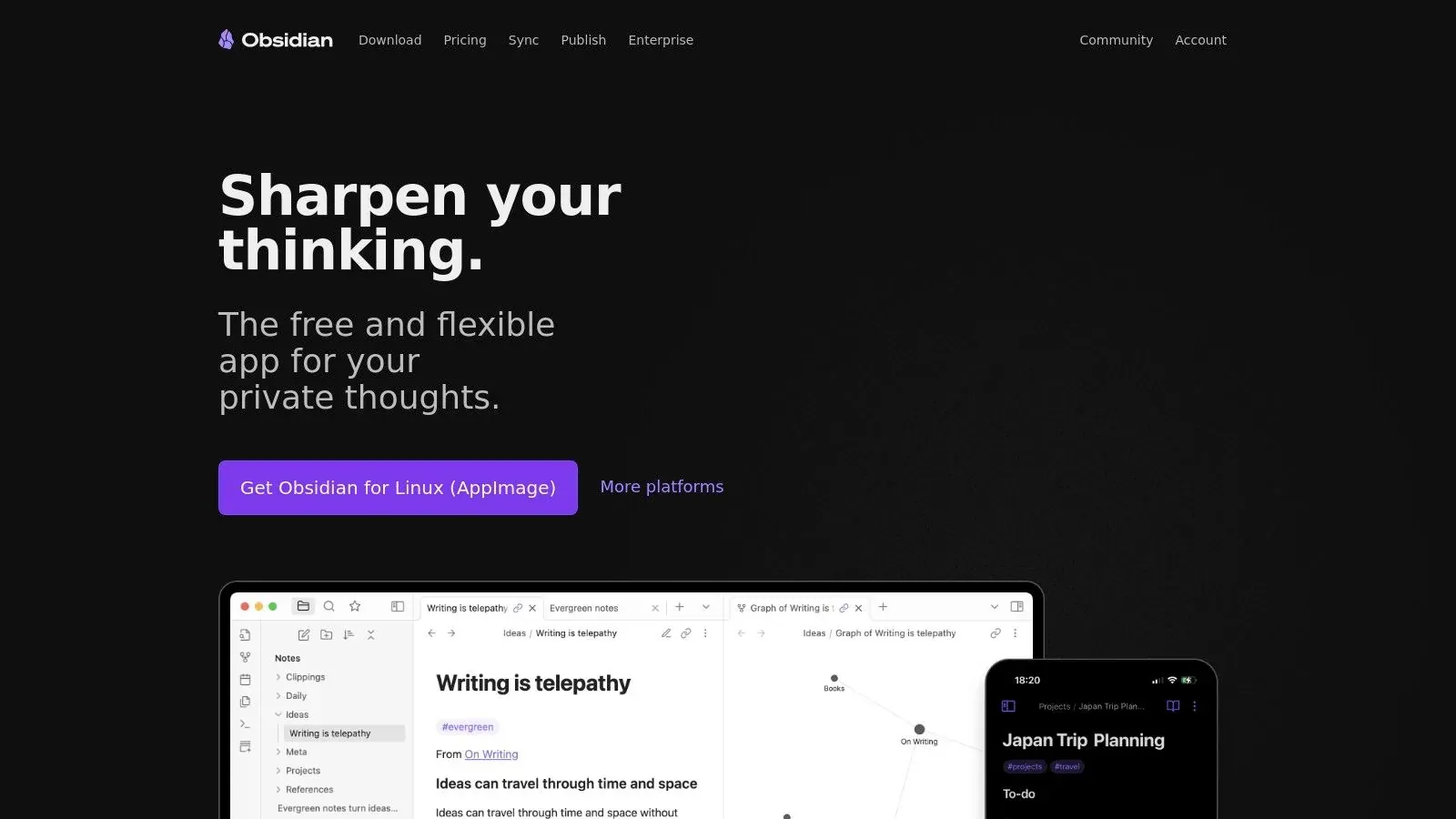
The primary appeal is its customizability through an extensive plugin ecosystem, allowing you to tailor the tool to your exact workflow. However, this is also its biggest challenge; the initial setup and learning curve can be steep, especially for those new to concepts like Markdown or personal knowledge management. While Obsidian is free for personal use, official syncing and publishing services come at a cost. For users who need a less hands-on approach to organizing diverse digital content, a tool like Reseek offers a compelling alternative. Reseek automatically organizes everything you save-from articles to images-into a vector database, enabling powerful AI search without the manual setup.
Website: https://obsidian.md/
#11. NotebookLM
Developed by Google Labs, NotebookLM functions less as a blank canvas and more as an AI-powered research assistant for your existing documents. This makes it an exceptional ai note-taking app for anyone whose workflow revolves around synthesizing information from source materials. You can upload PDFs, Google Docs, or even website links, and the AI acts as a dedicated expert on that specific content. It can generate summaries, create outlines, or answer complex questions based only on the documents you provide, preventing AI hallucinations and keeping the output grounded in your facts.
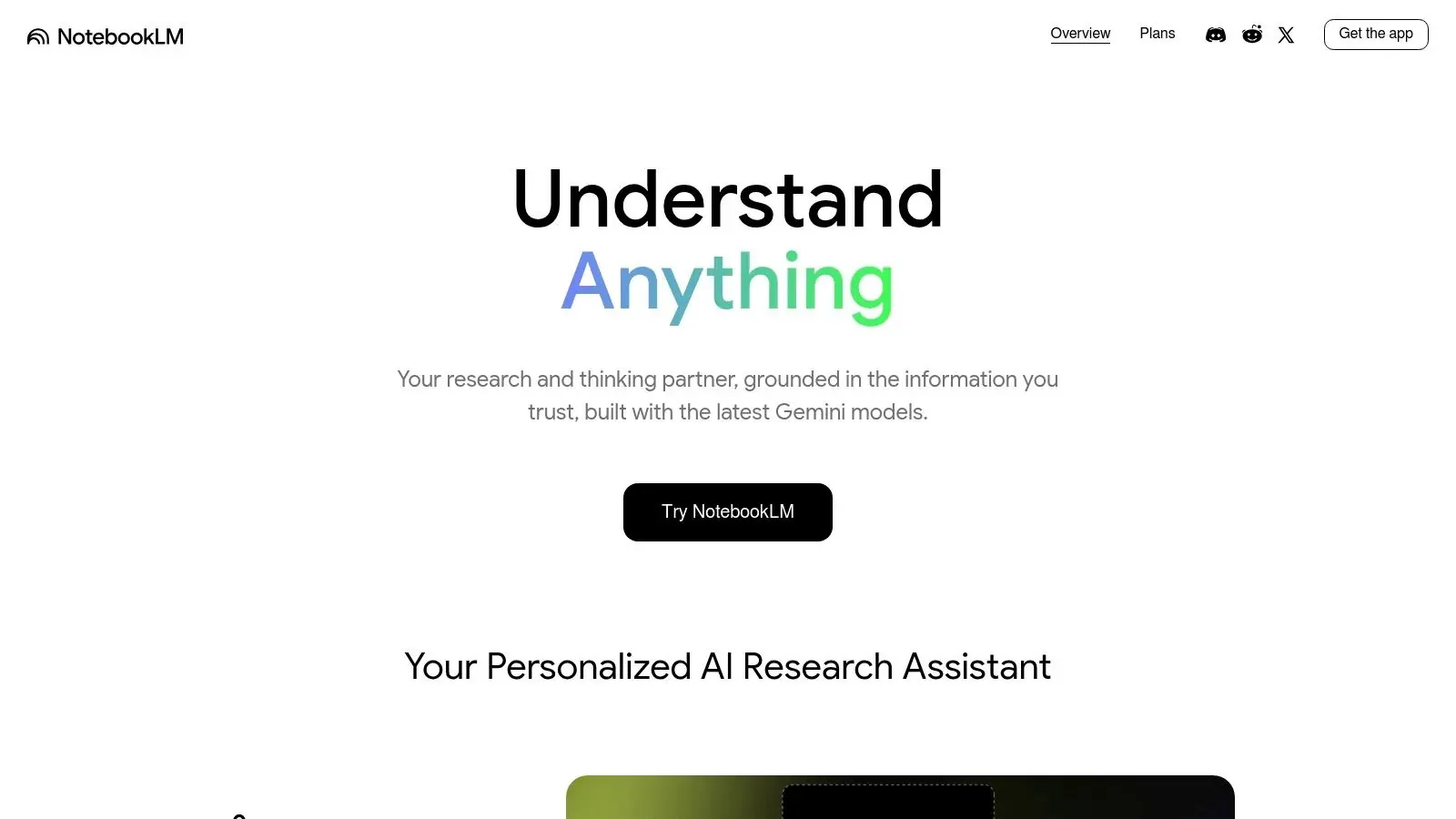
The “Audio Overview” feature, which creates a podcast-style summary of your sources, is a standout for auditory learners and busy professionals. Its deep integration with Google Workspace is a major advantage for those already in that ecosystem. The main limitation is its focus; it’s designed for working with provided sources, not for general-purpose note-taking or creative brainstorming from scratch. For users who need to organize a wider variety of digital content-like images, social media posts, and quick notes-a tool like Reseek offers a more flexible solution. Reseek allows you to save any type of content and uses AI-powered semantic search to help you find it later, creating a more universal personal knowledge base.
Website: https://notebooklm.google/
#12. ClickUp
ClickUp positions itself as an all-encompassing productivity suite rather than just an ai note-taking app, but its integrated AI tools make it a strong contender for teams. The platform excels at transforming collaborative chaos into structured action. Its AI Notetaker can transcribe meetings, generate concise summaries, and automatically create tasks with assigned action items directly from the conversation. This feature is a game-changer for project managers aiming to bridge the gap between discussion and execution without manual data entry.
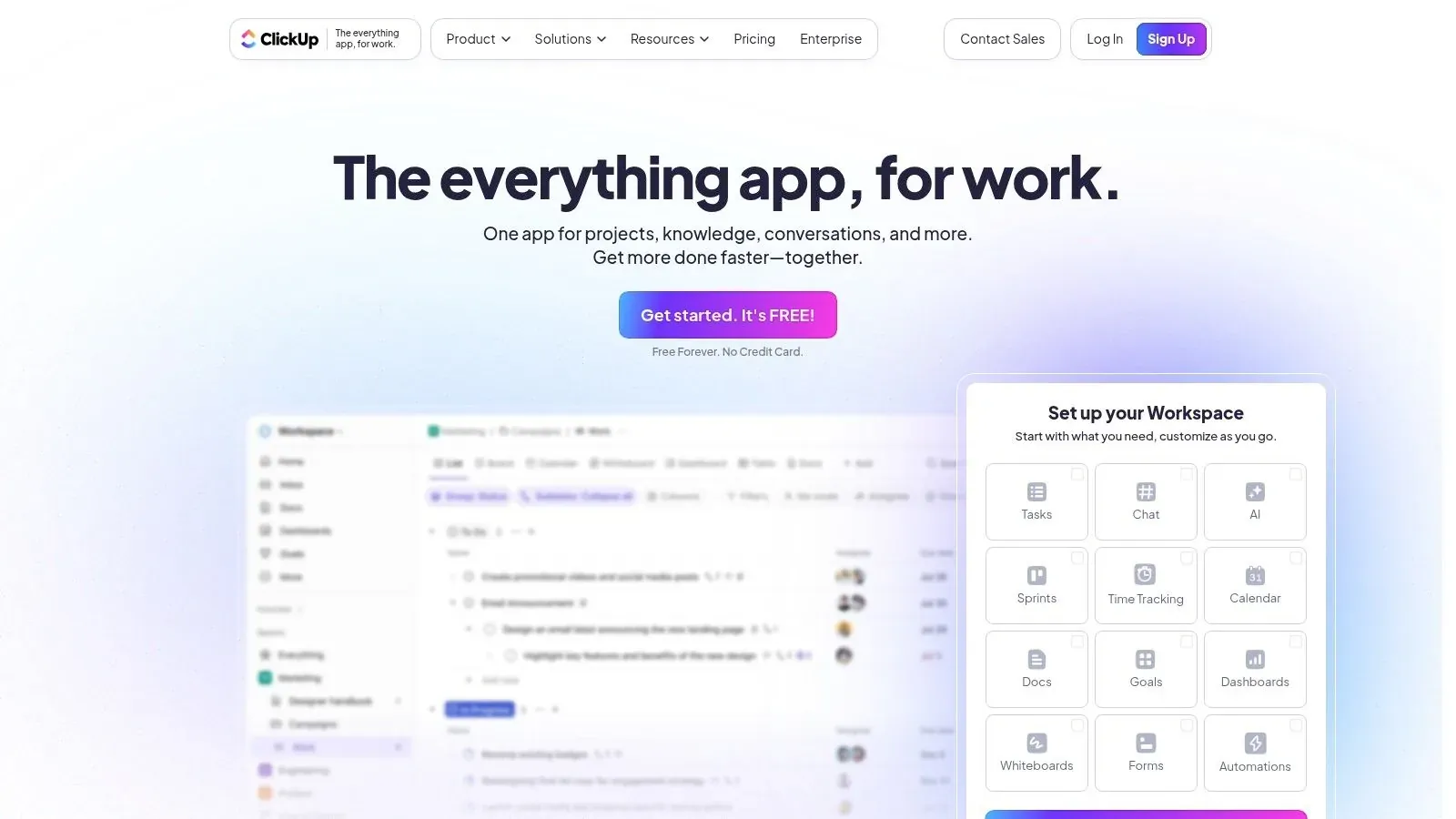
The primary strength of ClickUp is its vast customization, allowing teams to build complex workflows and dashboards. However, this depth can be overwhelming for solo users or those seeking a simple note-taking solution. While ClickUp is powerful for managing team projects, it’s less focused on personal knowledge retrieval. For individuals who need to centralize and search across a wide array of personal content like articles, notes, or images, a different approach is needed. A tool like Reseek complements this by acting as an intelligent repository. You can add notes to Reseek, where its vector database makes them instantly findable through AI-powered semantic search, ensuring you can always retrieve the exact thought you saved.
Website: https://clickup.com/
#AI Note-Taking Apps Feature Comparison
| Product | Core Features / Capabilities | User Experience & Quality ★ | Value Proposition 💰 | Target Audience 👥 | Unique Selling Points ✨ |
|---|---|---|---|---|---|
| Notion AI | AI content generation, project mgmt, templates | ★★★★☆ Highly customizable | 💰 Requires AI subscription | Professionals, teams | 🏆 Integration with many tools |
| Mem | Auto org/tagging, context suggestions, calendar integration | ★★★★☆ Minimalist, intuitive | 💰 Free tier, no Android app | Individuals, teams | ✨ Automatic note organization |
| Evernote | AI search/tagging, web clipping, tasks, offline notes | ★★★★☆ User-friendly | 💰 Free limited; premium costly | Researchers, professionals | 🏆 Robust org tools & extensive integrations |
| Microsoft OneNote + Copilot | AI content gen, handwriting recog, MS Office integration | ★★★★☆ Versatile, free w/ account | 💰 Requires MS365 for some features | MS Office users, teams | ✨ Handwriting + MS ecosystem |
| Reflect | AI content assist, calendar, end-to-end encryption | ★★★☆☆ Simple, privacy-focused | 💰 Limited formatting, no Android | Personal use, journaling | ✨ Strong privacy & distraction-free |
| Otter.ai | Real-time transcription, speaker ID, collaboration | ★★★★☆ High accuracy | 💰 Free limited transcription min | Professionals, teams | 🏆 Accurate meeting transcriptions |
| ClickUp | AI notetaker, task/project mgmt, workflows | ★★★★☆ Highly customizable | 💰 Some features need higher-tier plan | Teams, project managers | 🏆 All-in-one productivity + AI |
| Fireflies.ai | Meeting transcription, AI summaries, platform integration | ★★★☆☆ Easy meeting documentation | 💰 Free plan limited | Teams, professionals | ✨ Multi-platform meeting support |
| Roam Research | Bi-directional linking, graph view, markdown | ★★★☆☆ Deep KM, steep learning | 💰 Higher cost | Researchers, thinkers | ✨ Networked thoughts + graph visualization |
| Obsidian | Local markdown, AI-assisted linking, plugins | ★★★★☆ Customizable, privacy focus | 💰 Free core, plugins vary | Researchers, privacy-aware | 🏆 Local storage + strong plugin support |
| NotebookLM | AI summaries, audio overviews, doc support | ★★★★☆ Helps synthesize info | 💰 Google account req, some paid | Researchers, students | ✨ Audio overviews + Google integration |
#Final Thoughts
Navigating the rapidly evolving landscape of AI-powered productivity tools can feel overwhelming, but the journey to finding the perfect ai note-taking app is a significant step toward reclaiming your focus and amplifying your intellectual output. We’ve explored a diverse range of powerful contenders, from the all-in-one workspace of Notion AI and the self-organizing intelligence of Mem to the transcription powerhouses like Otter.ai and Fireflies.ai. Each tool presents a unique philosophy on how to capture, organize, and synthesize information.
The core takeaway is this: the “best” app is not a universal title but a personal one. Your ideal solution depends entirely on your specific workflow, the type of information you handle, and your long-term goals for your knowledge base. There is no one-size-fits-all answer in the world of personal knowledge management.
#How to Choose Your AI Note-Taking Companion
To make a confident decision, move beyond feature lists and consider the practical realities of implementation. Ask yourself these critical questions:
- What is my primary pain point? Am I struggling with disorganized meeting notes, unstructured research, or a chaotic collection of digital content? If meetings are your focus, Otter.ai is a clear frontrunner. For deep, networked thinking, Roam Research or Obsidian might be your answer.
- How do I capture information? Are you a text-first person, or do you save a mix of links, images, videos, and social media posts? Your capture habits will dictate whether a simple text-based app or a rich media-focused platform is more suitable.
- What is my technical comfort level? Do you prefer a plug-and-play solution like Evernote or Microsoft OneNote, or are you willing to invest time in learning a more complex but customizable system like Obsidian with its plugins?
- What is my budget? Assess the long-term value. A subscription might seem costly, but if it saves you hours each week, the return on investment can be substantial.
#Beyond Notes: The Rise of Unified Knowledge Hubs
An emerging trend is the move away from siloed note-taking toward unified knowledge hubs. The true power of AI isn’t just in summarizing text; it’s in connecting disparate pieces of information across different formats. This is where the concept of an AI-powered personal knowledge management (PKM) platform becomes crucial. It’s not just about the notes you write, but also about the articles you read, the videos you watch, and the social media posts that inspire you.
Tools are now appearing that serve as an intelligent layer on top of your digital life, creating a single, searchable repository for everything. This is where platforms that support semantic search and rich media integration truly shine. They allow you to ask your knowledge base questions in plain English and retrieve relevant information from a saved PDF, a video transcript, or a note you jotted down months ago. This holistic approach represents the future of personal productivity, transforming a simple ai note-taking app into a true second brain.
While a dedicated note-taking app is essential, consider how it fits into your broader information ecosystem. The ultimate goal is to build a system where every piece of saved content, from a handwritten note to a saved Tweet, becomes a findable and usable asset.
If you’re looking to centralize not just your notes but all your saved digital content, a platform like Reseek can act as your unified library. You can add notes and text directly, and its AI will make them instantly searchable alongside your saved links, images, and social media posts. Explore how Reseek can transform your scattered digital content into an organized, intelligent, and searchable knowledge base.