
Twitter Video Download: Easy Tips to Save Clips Fast
Ever scrolled through X (formerly Twitter) and found a video that was pure gold? Breaking news, a hilarious clip, a must-save tutorial? We've all been there.
#Why Twitter Videos Are Worth Saving (And Why Everyone's Doing It)

Ever scrolled through X (formerly Twitter) and found a video that was pure gold? Breaking news, a hilarious clip, a must-save tutorial? We've all been there. The problem is, with the constant influx of content, finding that gem again can feel impossible. It's like trying to find a specific grain of sand on a beach. That's why so many people are downloading Twitter videos—they don’t want to lose those little moments.
I know I've been there. As a content creator, I'm always on the lookout for trending clips. I've seen others archiving important cultural moments, too. Even my friends who aren't online all the time are downloading videos so they don’t disappear into the void. With X's increasing focus on video, downloading is no longer just handy; it’s essential. And speaking of handy, Reseek lets you snag any X video directly from the post link. No hassle, just saving the good stuff.
#The Impact of Video on X
This whole shift toward video has seriously changed how we use the platform. Since the rebrand to X, video content has become even more central to the platform's experience. Just look at the numbers: video views on X have jumped 35% year-over-year as of April 2025. Over 100 million daily users are interacting with vertical videos on the platform, and over half of them are Gen Z. Posts with video get up to 10 times more engagement, and video ad completion rates are through the roof, around 80%. Discover more insights about X statistics. This has led to more and more brands and creators downloading and reusing X videos, driving the demand for Twitter video download tools. It really highlights how important it is to have a solid way to download and save the videos you want. Also, you might be interested in this guide to archiving tweets: Archive Tweets Like a Pro: Your Complete Preservation Guide.
This growing need to save and reuse content makes finding a reliable download method more critical than ever.
#Reseek: The Game-Changer for Social Media Content Saving
Saving videos from Twitter/X used to be a real pain, kind of like searching for a lost sock in a laundry basket. But Reseek has seriously simplified things. The infographic below shows just how easy it is to download videos across different platforms—Reseek really brings a new level of simplicity.
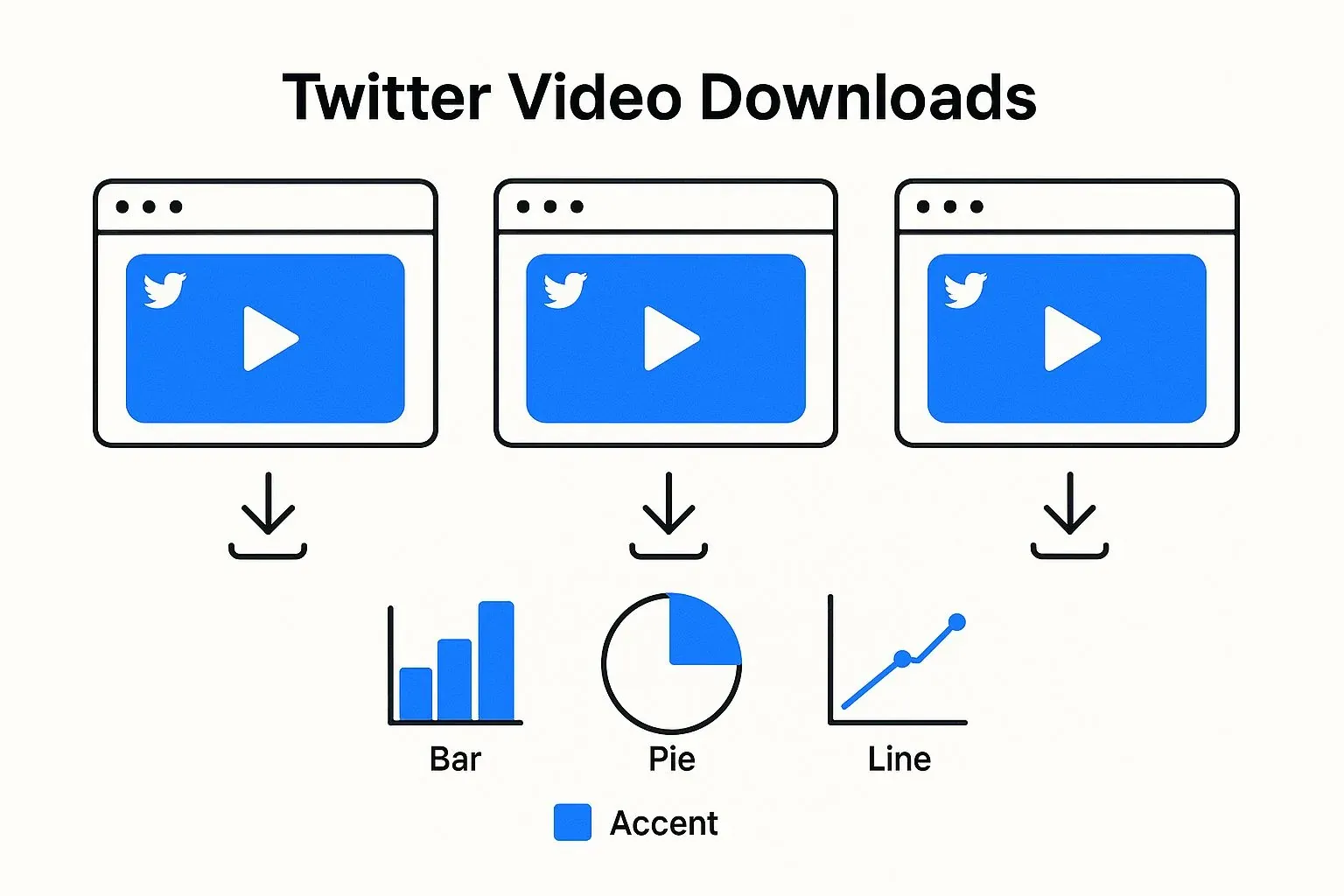
Reseek offers a clean, straightforward download experience, nothing like the messy interfaces you see with a lot of other tools. Twitter video download becomes ridiculously easy. Find a video you like? Just copy the tweet link. Then, paste the link directly into Reseek.
Reseek instantly recognizes the video and gives you clean download options – no ads, no confusion, and absolutely no shady redirects. This simple copy-paste method makes the whole process super smooth.
#More Than Just Downloading
What really makes Reseek stand out isn't just the downloading; it's the whole way you can manage your saved videos. It's like having your own personal video library. You can organize videos into collections, add tags so you can search for them later, and—this is the best part—actually find that video you saved weeks (or even months) ago.
This has been a lifesaver for my own research projects. I can build curated libraries of reference materials. Plus, Reseek automatically picks the highest quality video available, so you get the best resolution without any technical hassle. It's like having a personal assistant for your video content.
Let's take a look at how Reseek stacks up against other methods for downloading Twitter videos:
To help illustrate the differences, I've put together a comparison table:
Reseek vs Traditional Download Methods
Comparison of features and ease of use between Reseek and other popular Twitter video download approaches
| Feature | Reseek | Browser Extensions | Online Tools |
|---|---|---|---|
| Ease of Use | Very easy; copy-paste link | Can be cumbersome; requires installation | Varies; some are easy, some are clunky |
| Content Management | Built-in library with collections and tags | No content management features | No content management features |
| Video Quality | Automatically selects best available | Dependent on the extension | Varies; often limited quality options |
| Ads and Redirects | No ads or redirects | Can have intrusive ads and redirects | Often filled with ads and redirects |
| Privacy | Strong privacy protections | Privacy can be a concern with some extensions | Privacy can be a concern with some tools |
As you can see, Reseek offers a much more streamlined and user-friendly experience compared to browser extensions or online tools. The built-in content management system is a huge plus for anyone who regularly saves videos. While extensions and online tools might work in a pinch, Reseek provides a more comprehensive and reliable solution.
#Browser Extensions That Won't Let You Down
Let's be honest, finding a good browser extension to download Twitter videos can be a real pain. So many options, so many ads, and so many that just don't deliver. I've been there, wading through dozens of them. Trust me, the best ones are regularly updated, have clear permissions, and boast positive user reviews over time. That’s your recipe for an extension that's both effective and safe.
Personally, I've found Video DownloadHelper to be a reliable choice for Firefox. It just works. It’s neatly integrated and the download process is super simple. If you're on Chrome, you’ll likely have better luck with extensions that live right inside the Twitter interface, giving you a handy one-click download option next to the video. Ideally, it should be: right-click, download, done. Incidentally, if you’re looking to generally tidy up your browsing and downloads, you might find our guide on top Chrome bookmark organizer extensions useful.
One thing to keep in mind is that Twitter’s always changing. Platform updates can sometimes break extensions, so you need to stay on top of things. Always double-check those permissions an extension requests; make sure they match what it’s supposed to do. Anything overly broad is a big red flag. And hey, don't forget about Reseek! It's a smooth way to download Twitter/X videos. Just copy the post link, paste it into Reseek, and let the platform do the heavy lifting. Clean downloads, no fuss.
Browser extensions can be a lifesaver for grabbing Twitter video downloads, but choosing wisely and keeping an eye out for potential hiccups is key. It's all about getting those videos without sacrificing browser performance or, more importantly, your online safety.
#Online Tools for Quick One-Time Downloads
Sometimes you just need to grab a Twitter video quickly, without the hassle of installing anything. Maybe you’re on a borrowed laptop or at the library, or perhaps you just want this one particular video. That’s where online Twitter video downloaders really shine. There are tons of these tools floating around, but finding a reliable one is key. You want to avoid those sketchy sites full of pop-up ads and fake download buttons—they're the worst!
I’ve had good luck with sites like SaveTweetVid and GetVideoBot, which keep things simple and get you the download without asking for your personal info. They’re clean and easy to use, which is a huge plus.
Speaking of easy, don't forget about Reseek! I've been using Reseek for a while now, and it’s become my go-to for managing and organizing all my downloaded content. Just copy the Twitter/X post link, paste it into Reseek, and it automatically recognizes the video and gives you clear download options. It's like having a personal assistant for saving Twitter/X videos!
#Spotting Red Flags and Staying Safe
The biggest issue with online downloaders is dodging the bad apples. If you see a site plastered with ads, fake download buttons, or requests for personal info—run! A decent online tool should be quick, easy, and not make you jump through hoops. It should be like finding a perfect parking spot—simple and stress-free.
These tools are perfect for those one-off downloads when you're in a hurry. They let you grab a Twitter video without committing to a particular browser extension. Just be smart about the sites you use, and stick to the ones that look and feel professional.
This high demand for Twitter video downloads reflects how important video is becoming on the platform. As of 2025, X (formerly Twitter) reportedly has around 611 million monthly active users and over 259 million daily active users who spend a collective 7.8 billion minutes per day on the app! Discover more insights about X user statistics. That just goes to show how much people love sharing and watching videos, and why having reliable download options is so important.
#Mobile Solutions That Actually Work on Your Phone
Let's be honest, finding those perfect Twitter videos usually happens when you're scrolling on your phone. This makes mobile downloading super important, but sometimes it feels like navigating a minefield. App store restrictions can block the most straightforward options, but thankfully, there are some clever workarounds.
I've been there, trust me.
For those of you on iOS, the Shortcuts app is a lifesaver. I know, setting it up might sound like a hassle, but once you do, you'll thank me. Create a shortcut that takes the Twitter link and sends it to a reliable online Twitter video downloader. It transforms a multi-step process into a single tap. Boom!
Android users usually have more flexibility. Apps like VidMate and other social media downloaders often handle Twitter links directly. The real key with any mobile solution is finding something that fits seamlessly into how you use your phone.
#Combining Methods for Maximum Effectiveness
From my experience, the best mobile strategy often involves a mix-and-match approach. I have my go-to tool for everyday use, and then a backup plan for those inevitable moments when things go sideways (because let's face it, they do). Speaking of reliable tools, Reseek makes downloading ridiculously easy. Just copy the Twitter/X post link for the video, paste it directly into Reseek, and you're done. It recognizes the video post and offers clean download options, no extra apps or complicated steps required.
#Streamlining Your Mobile Workflow
The real magic is finding solutions that actually make your life easier. Think of it like picking the right kitchen gadget – you want something that streamlines your process, not adds more clutter. Whether it's a shortcut, a dedicated app, or a combination, the aim is to make Twitter video downloads as painless as possible on your phone. So you can get back to enjoying the videos themselves!
To help you pick the best method, I’ve put together this comparison table:
Mobile Download Methods Comparison: Overview of different mobile approaches for downloading Twitter videos, including pros, cons, and compatibility.
| Method | iOS Compatible | Android Compatible | Ease of Use | Reliability |
|---|---|---|---|---|
| Shortcuts (with online downloader) | Yes | Yes (with similar functionality) | Medium | High (dependent on chosen online downloader) |
| Dedicated Downloading App | Limited | Yes | High | Medium (app availability and updates can vary) |
| Reseek | Yes | Yes | High | High |
This table quickly highlights the pros and cons of each method. While dedicated apps might be easy to use on Android, finding a reliable one can be tricky. iOS users have the Shortcuts method, but setting it up takes a little more effort. Reseek offers a consistently reliable and user-friendly experience across both platforms. It’s my personal favorite because of its simplicity and effectiveness.
#Organizing Your Growing Video Collection
Downloading Twitter videos is only half the battle. Trust me, I’ve been there. You start with a few cool clips, and the next thing you know, you're drowning in a sea of files cryptically named "twitter_video_1247.mp4." Finding anything specific later is like searching for a needle in a haystack. So, before things get out of hand, let's talk organization.
A good naming system is key. I like to include the date, a short description, and sometimes the creator’s @handle. It's a little extra effort upfront, but it's a lifesaver in the long run. Think about it: searching for "20241027_ElonMusk_RocketLaunch" is way easier than trying to remember which random number corresponds to that awesome rocket launch video.
Speaking of easy, Reseek has some built-in features that make organizing a breeze. Just copy and paste the Twitter/X post link into Reseek, and it downloads the video directly. Even better, you can organize your downloads into searchable collections. This has been incredibly helpful for me when I'm working on projects and need to keep track of specific videos.
#Folder Structures and Quality Considerations
File names are a great start, but folder organization takes things to the next level. Start with broad categories like “News,” “Comedy,” or “Educational.” If you’re using Twitter videos for specific projects, create project-based folders. This adds another layer of organization, making it super simple to find what you need. If you're a bookmarking fanatic like me, you might also want to check out this guide on the best bookmark managers to really get your digital life in order.
Finally, let’s talk quality. Sure, downloading the highest resolution is tempting, but storage space is precious. Do you really need a 4K version of that funny cat video you’re sharing on Instagram? Probably not. For social media, a lower resolution usually does the trick. Save the high-quality downloads for videos you’re archiving or using for important projects. It’s all about finding the sweet spot between quality and practicality.
#Staying Safe and Respectful While Downloading
Before you start grabbing every Twitter video in sight, let's chat about staying safe and respecting the law. Copyright and fair use are important. It's not just about avoiding legal issues, but also about respecting the people who create the content we enjoy. Saving videos for your personal collection is usually okay, like creating a digital scrapbook. But sharing or reposting someone else's videos for profit is a whole other ball game. Imagine photocopying a book and selling it as your own – not cool.
When in doubt, it's always best to ask the creator for permission, especially if you plan to use their video in your own work. This is particularly important for branded content or videos where ownership is clear. Better safe than sorry, right?
#Protecting Yourself From Online Threats
From a security perspective, stick to trusted websites and tools for downloading Twitter videos. If a site asks for your social media passwords or tries to install unwanted software, run the other way! It’s like giving a stranger your house key. Talking about trustworthy tools, Reseek lets you simply copy and paste the Twitter/X post link directly into the platform. Reseek handles the download smoothly and safely.
Keep your antivirus software updated and be careful with sites full of pop-ups or unrealistic claims. If it sounds too good to be true, it probably is. This goes for crazy-fast download speeds, promises of exclusive content, or anything that seems fishy.
#Prioritizing Safety and Respect
Think of downloading Twitter videos like borrowing a book from the library. You can enjoy it yourself, but you shouldn't make copies and sell them. Respecting creators and protecting yourself online makes the whole experience better for everyone. A bit of common sense and a healthy dose of suspicion will keep your Twitter video downloads safe, legal, and respectful.
Ready to start your personal video library? Reseek offers a secure and organized, AI-powered way to save, manage, and rediscover all your important content, including those must-save Twitter videos. Start your free trial today and see what the future of knowledge management looks like.